
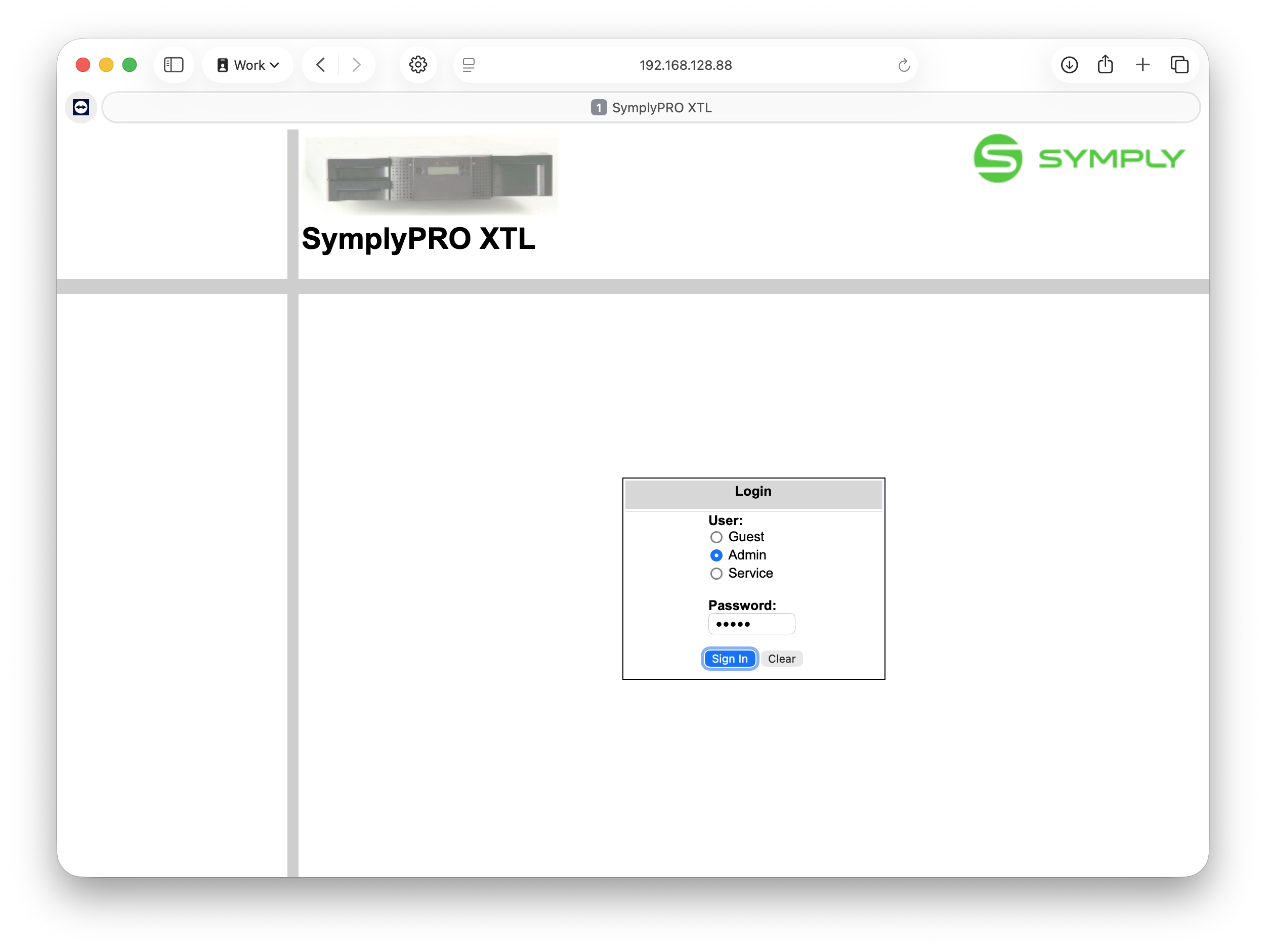
- Log in to the web portal
- Go to Service menu=>Library Logs=>Dump Logs
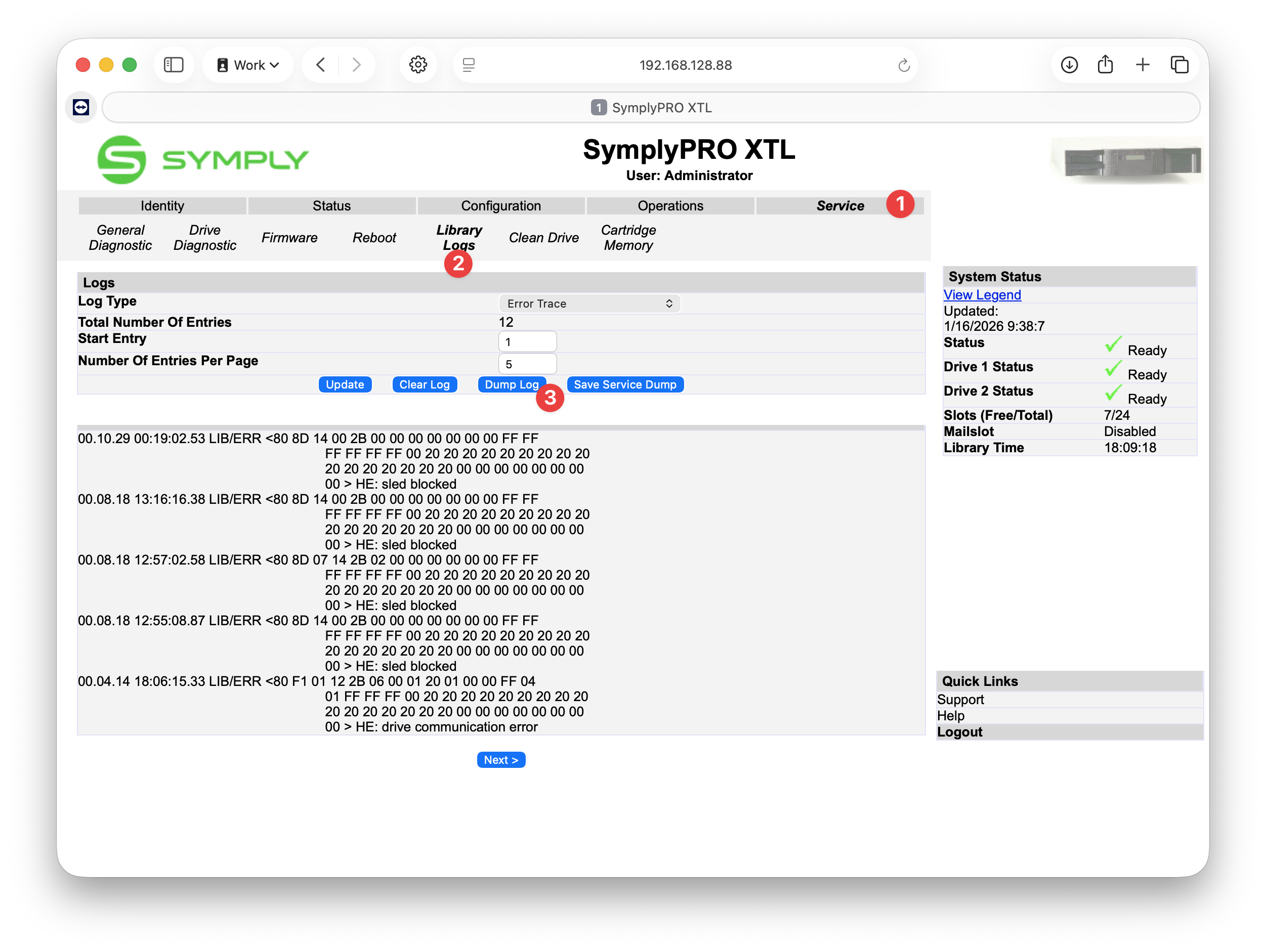
- The log file will be saved in the Downloads folder
- Send the log file to support@gosymply.com
Download Library logs for XTL 24 Print
Modified on: Fri, 16 Jan, 2026 at 9:39 AM
Did you find it helpful? Yes No
Send feedbackSorry we couldn't be helpful. Help us improve this article with your feedback.