
- Log in to the web portal
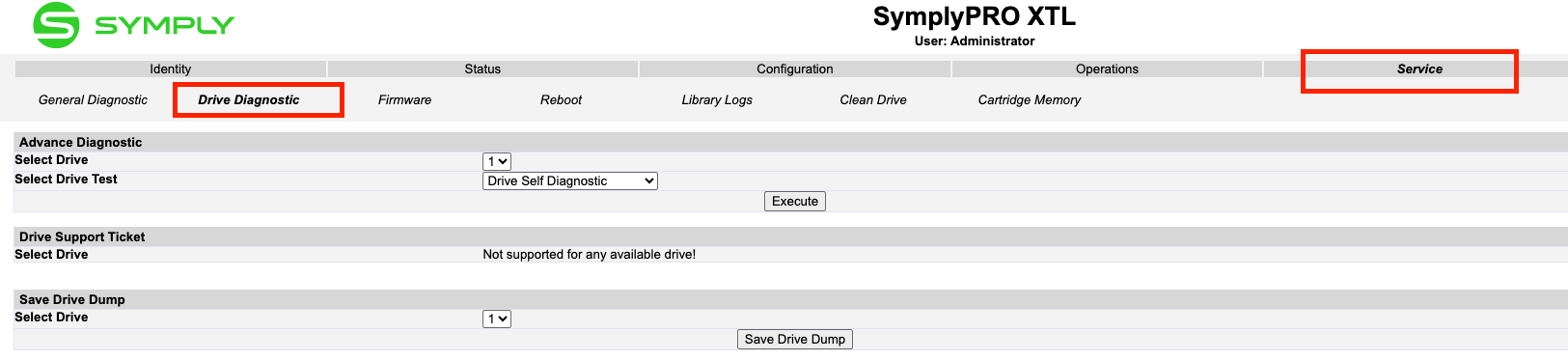
- Select Service then Drive Diagnostic
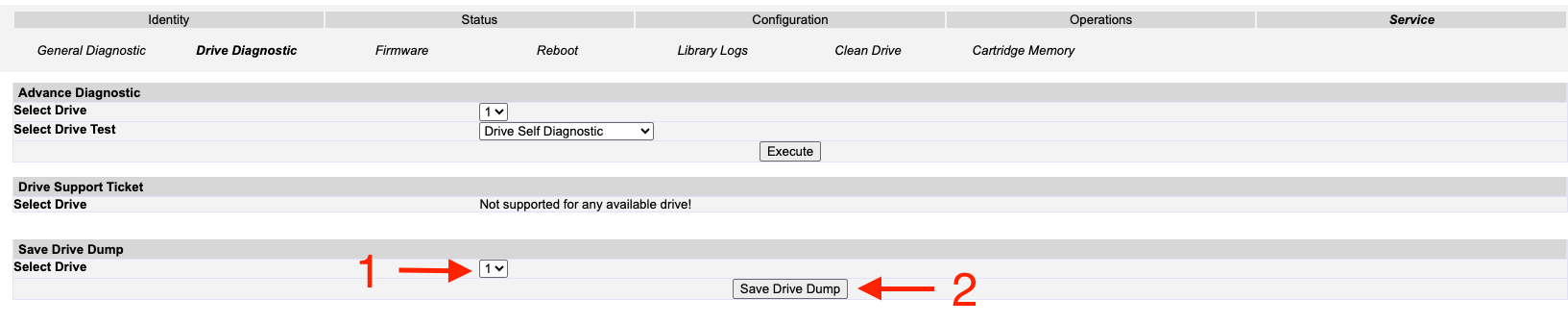
3. In the Save Drive Dump category, choose the drive number to extract the logs. Click Save Data Dump
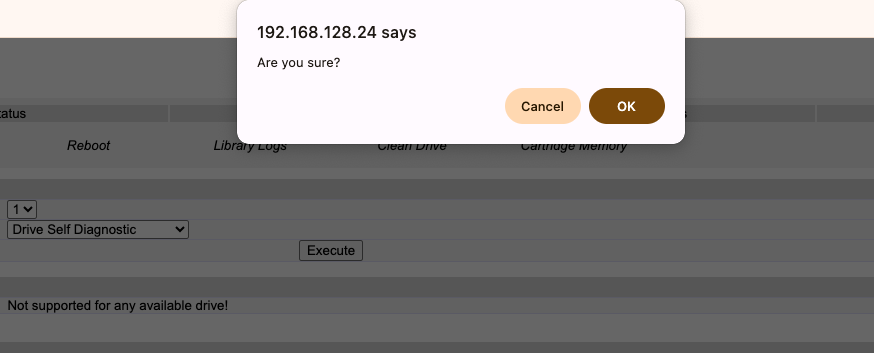
4. Select Yes in the pop up notification
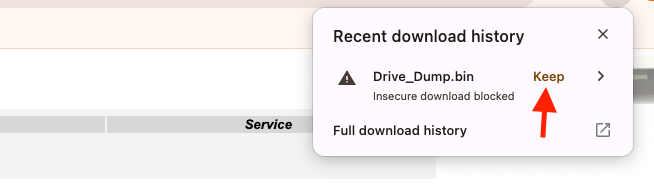
5. A pop up notification will appear in the downloads section. Select Keep to start the download.
6. Send the log file to support@gosymply.com. Once we have the dump, we'll analyse it and get back to you with our findings.