1. Log into the Web portal
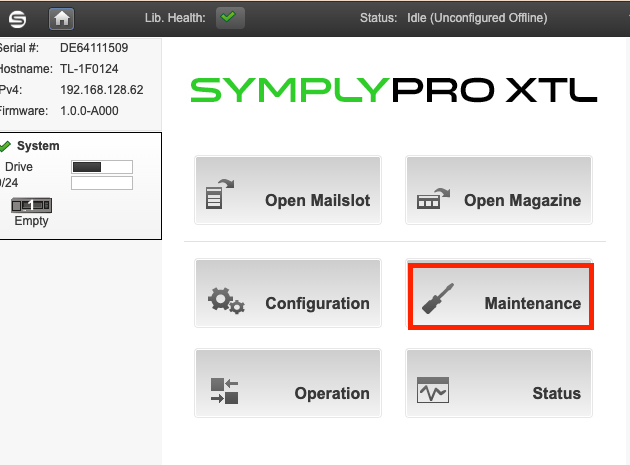
2. Go to Maintenance
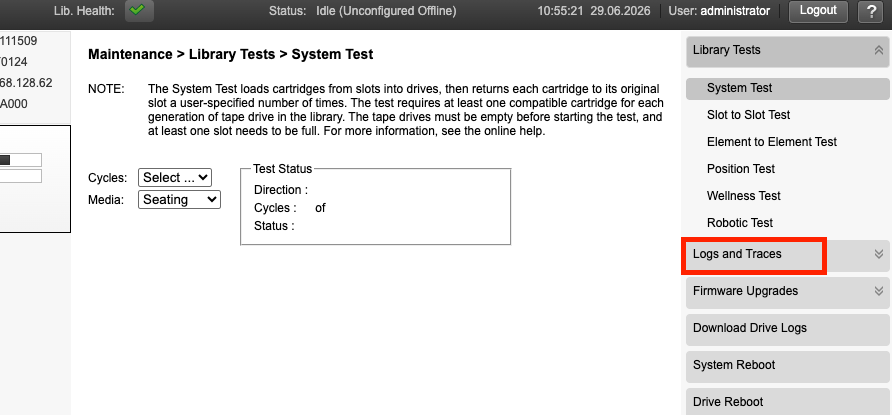
3. Select Logs and Traces
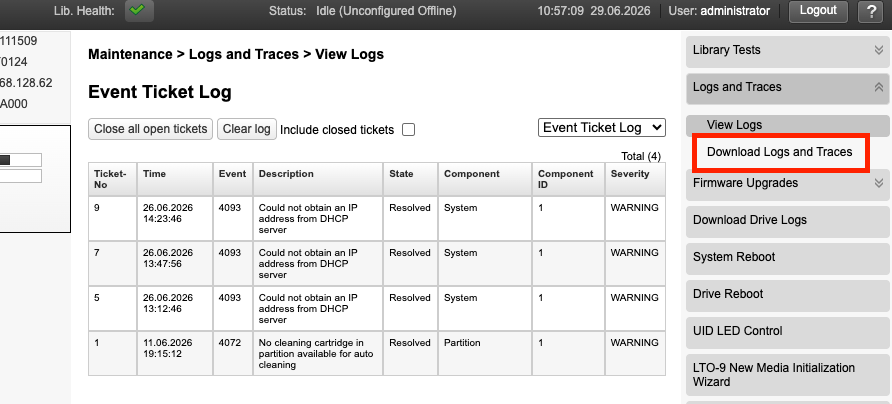
4. Select Download Logs and Traces
5. Click Save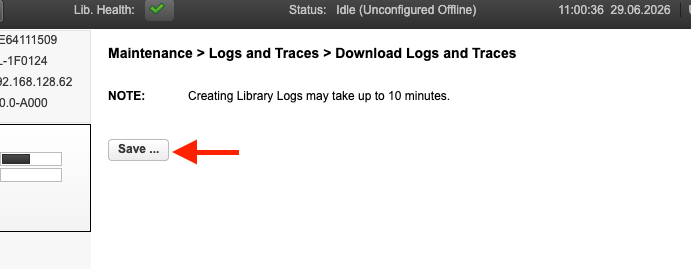
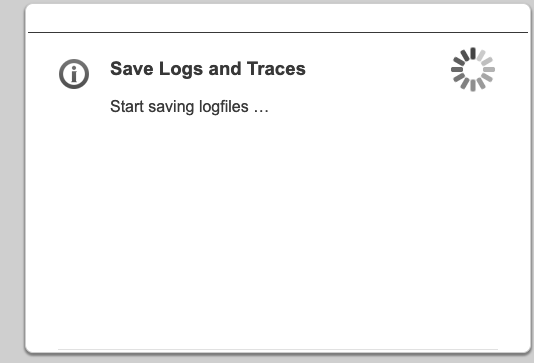
6. Send the log file to support@gosymply.com. Once we have the dump, we'll analyse it and get back to you with our findings.

Modified on: Mon, 29 Jun, 2026 at 11:04 AM
1. Log into the Web portal
2. Go to Maintenance
3. Select Logs and Traces
4. Select Download Logs and Traces
5. Click Save
6. Send the log file to support@gosymply.com. Once we have the dump, we'll analyse it and get back to you with our findings.
Did you find it helpful? Yes No
Send feedback