1. Log into the Web portal
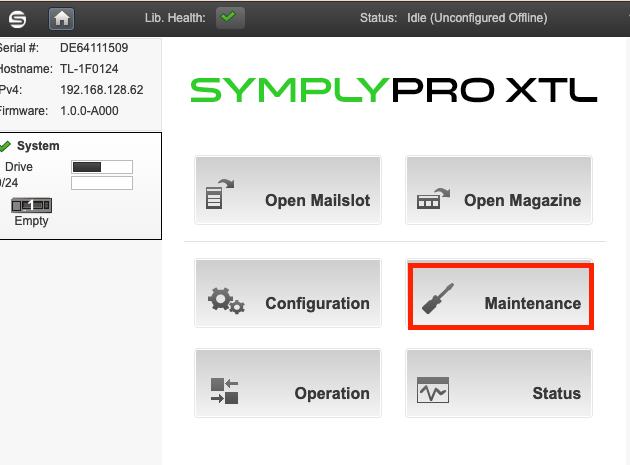
2. Go to Maintenance
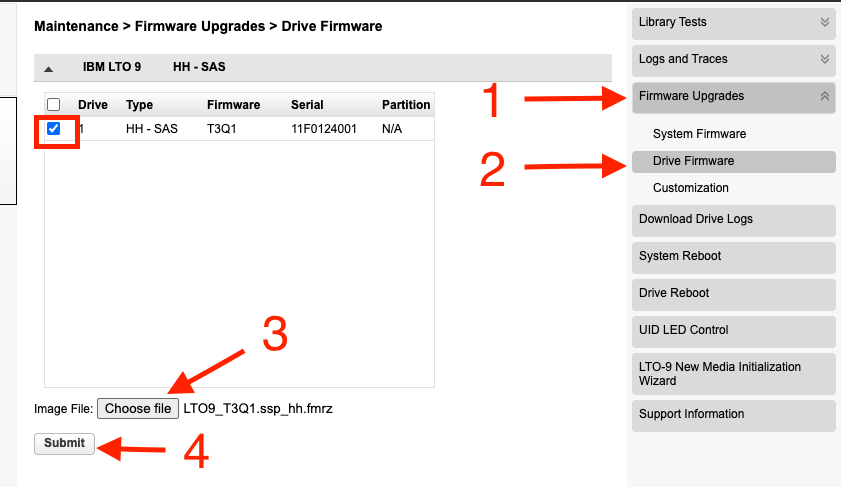
 3. Go to Firmware upgrades > Drive Firmware and select the drive
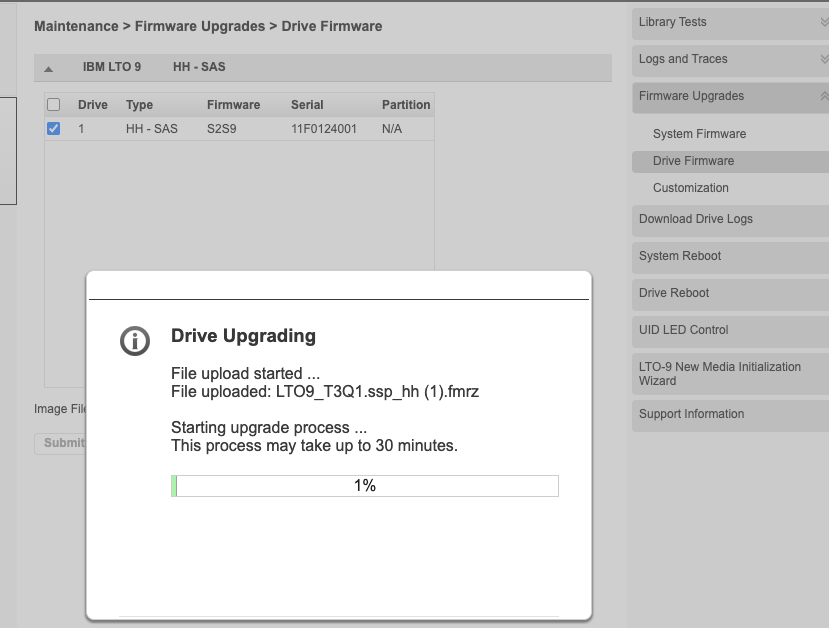
4. The update progress will be appear as below.

Modified on: Mon, 29 Jun, 2026 at 1:13 PM
1. Log into the Web portal
2. Go to Maintenance
3. Go to Firmware upgrades > Drive Firmware and select the drive
4. The update progress will be appear as below.
Did you find it helpful? Yes No
Send feedback