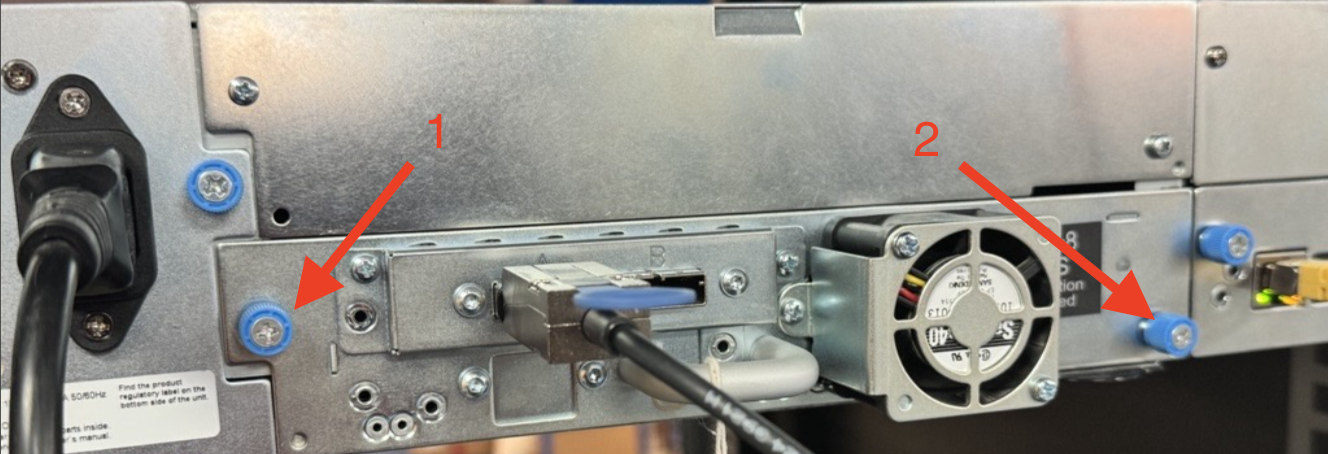
1. Ensure the are no tapes loaded in the drive.
2. Power off the drive in the Web UI. Go to Configuration>Drive uncheck the checkbox next to Power On then select Submit
 - The drive will power off after a few minutes.
2. Unplug the SAS cable from the drive.
3. Unscrew the the thumb screws and carefully pull out the drive form the Library.